Home Screen
The home screen of your AllyWare tester works much like that of any modern smart device.
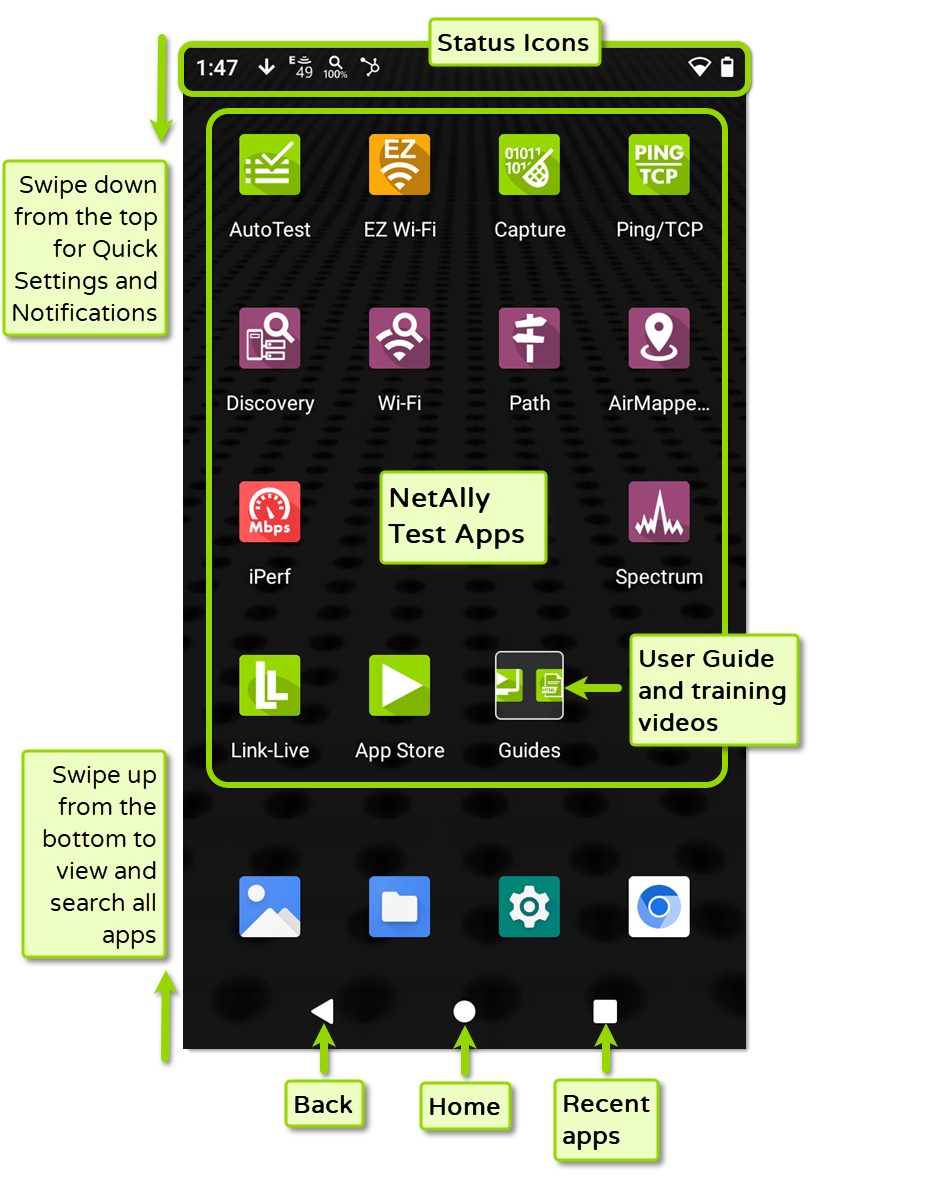
As with other smart devices, your AirCheck G3 Home screen is customizable. The image above shows the default configuration, but you can add, remove, and reorganize app icons and widgets to serve your purposes.
-
Swipe down from the top Status Bar to use the Quick Settings and view status Notifications.
-
Swipe up from the bottom of the screen to view all of the installed apps and search for apps.
-
Create more Home pages by tapping, holding, and dragging an app icon to the right from the main Home screen.
See the Apps screen section for instructions on adding more apps to your Home screens.