Link-Live Release Notes v9.3

These Link-Live Release Notes briefly describe the new features and enhancements included in the release.

NOTE: Certain features and enhancements are only available for specific AllyWare testers. See sub-headings. Many advanced Link-Live analysis features are only available to active AllyCare customers.

Version 9.3 New Features & Enhancements

This release focuses on AirMapper and InSites improvements, including a redesigned InSites panel with saved configuration support and Path Analysis integration, new heatmap visualizations and PDF export options, and a range of UX, permissions, and bug fixes.

AirMapper Survey and Heatmap Improvements

For AllyWare Testers with the AirMapper App

Overview Charts

Overview charts have been added to the survey details panel on the main AirMapper page so network summaries are visible at a glance. Select a survey from the list to see its charts.

Bluetooth Coverage Visualization

Bluetooth Coverage is now available as a Visualization option.

Open the Survey Heatmap for a survey that includes Bluetooth data and select Bluetooth Coverage from the Visualizations dropdown.

Comments and Locations Legend

Heatmap Comments and Locations now include a legend when exported to PDF.

InSites

The InSites panel has been redesigned with new icons and options. A new InSites Collection feature provides saved InSites configurations for use across the organization.

Blue icons below the InSites header provide the following actions:

Save this InSite as a View – The plus ( + ) icon creates a View from the current InSites settings for use in Templates and Reports.

Save InSites Settings – The disk icon saves the current InSites configuration with a specific name and makes it the current org-wide default.

InSites Collection – Opens saved Limits configurations to apply.

Path Analysis is now included in InSites processing and is available in PDF reports.

General UX Updates

  • Dialogs across the product have been standardized for a more consistent look and feel.

  • The About page has been redesigned with cleaner links and no nested tabs.

  • Unit claiming and survey merge workflows have been improved.

PDF Reports

  • The Templates PDF dialog has been cleaned up for a clearer authoring experience.

  • Page numbers are now included on PDF reports.

User Management and Security

  • Restrictions for Read-Only vs. Admin users have been tightened across the product, including Path Analysis, Wi-Fi Analysis, InSites PDF reports, and export/FAB actions.

Fixes

  • Performance Graphs – Fixed performance graphs not updating when switching between test selections.

  • Read-Only User Permissions – Fixed several cases where Read-Only users had access to actions they should not:

    • Data exports
    • Unit claiming via the sidebar
    • Analysis and survey action buttons (FABs)
    • Path Analysis reports
  • Merged Survey Heatmap – Fixed merged surveys incorrectly showing "heatmap not processed" on first open and requiring a manual reprocess.

  • Channel Width Range Display – Fixed channel width not displaying its range when a range was present.

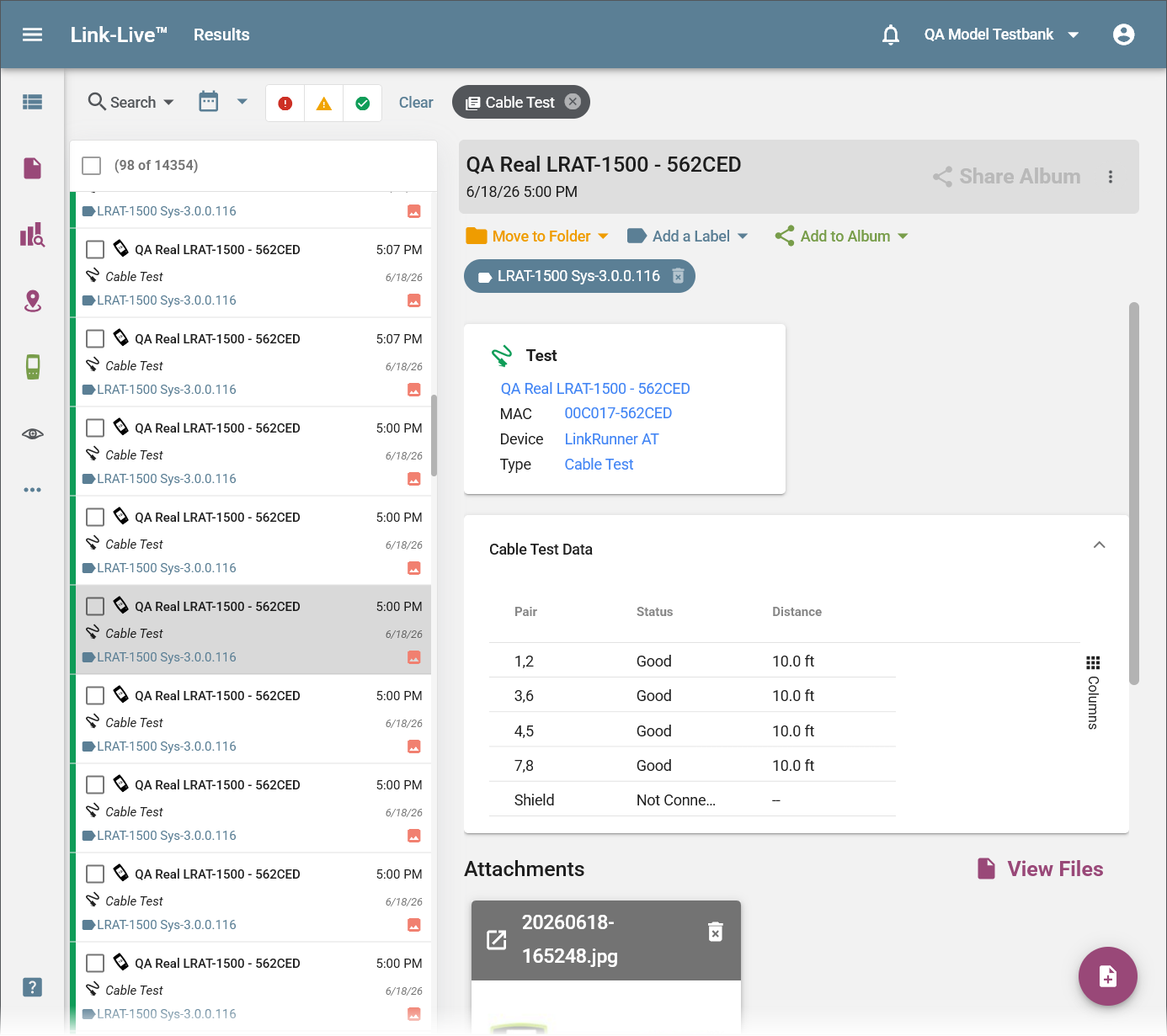
  • LRAT Cable Test Units – Fixed cable test results from certain LinkRunner AT units reporting in incorrect units.

  • Survey Import Filename – Fixed repeated .amp extensions accumulating on survey filenames when re-importing (e.g., survey.amp.amp).

  • Empty Template Report – Fixed an issue where generating a report from an empty template caused an error.

  • Problems Translation – Fixed the Problems field issue causing incorrect translation string for display.

  • Linux Timestamp as Scene Name – Fixed cases where the last scene was being labeled with a raw Linux timestamp instead of a human-readable name.

  • Invite User Wording – Fixed incorrect wording on the invite users prompt.

  • Miscellaneous stability fixes across v9.3.