Registering and Activating AllyCare Pro Support
Your LinkRunner AT requires registration for continued use.
NOTE: You have 3 days from first startup to register this product.
Registering ensures that you will not miss out on these important benefits:
-
Software Updates
-
AllyCare-Enabled Product Features
-
Product Repairs
-
Accessory Replacement
-
Priority Technical Support
Claim your Tester to Link-Live and Register at the Same Time
Beginning with software version 3.0, when you start up a new LinkRunner AT that isn't claimed or registered, pop-up dialogs prompt you to Claim your unit to Link-Live.com, our test management platform.
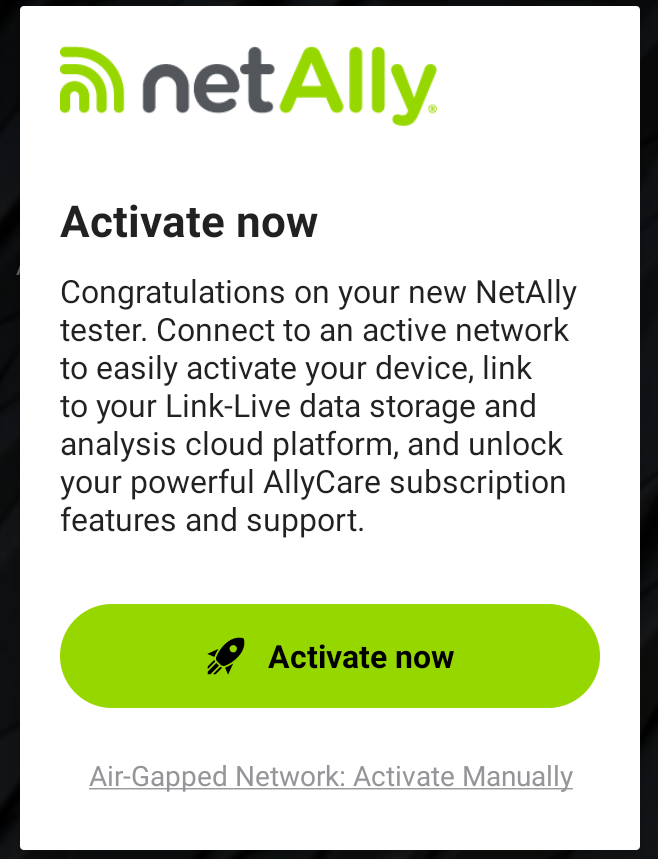
Connect to an active network using the wired or Wi-Fi management port for your tester, and tap Activate now to start the process.
-
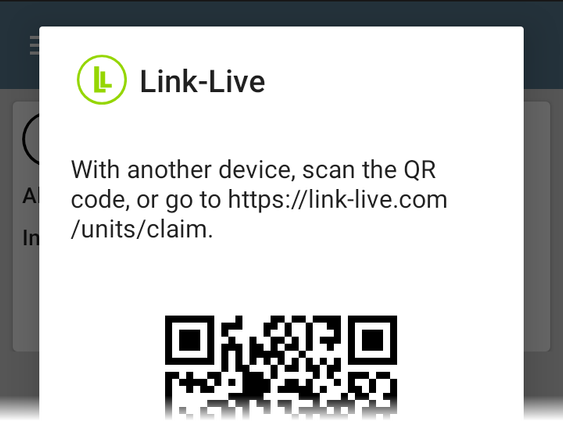
If you scan the QR code on your tester screen with another device, the MAC address for your unit will be auto-populated into the claiming form on Link-Live.com.
-
If you cannot use the code, simply go to link-live.com/units/claim.
-
On-screen instructions at Link-Live.com will guide you through claiming your unit and registering your product in the same process.
-
To register without Link-Live, select Activate Manually on the welcome screen, and follow the steps below.
To Register without Link-Live
-
In the NEW USERS section, enter your company email and click Signup (if you do not already have an account).
NOTE: If you already have an account, log in and then skip down to step 7.
-
From the CUSTOMER SIGN IN: NEW USER REGISTRATION page, enter your First and Last Name, Company Name, and Business Phone Number.
-
Enter the code from the image and click Register.
You will receive an email with a link to verify your email address and finish setting up your account.
-
Click the invitation link, and follow the prompts to set a password.
-
Click Login, which takes you to your Profile page.
-
Complete the company address information, and click on the agreement to NetAlly’s Terms and Conditions and Privacy Policy (links are provided).
-
Then, click Update.
-
On the Register Product page, click the Register Product button.
-
Enter your product serial number, purchase date, and the reseller where the product was purchased.
-
Finally, click Register Product again. Your Registered Products page is populated with your tester's information.
-
Next to the product you just registered, click on the GET CODE button to display the activation code.
-
Enter this code on the Activation screen on your tester.
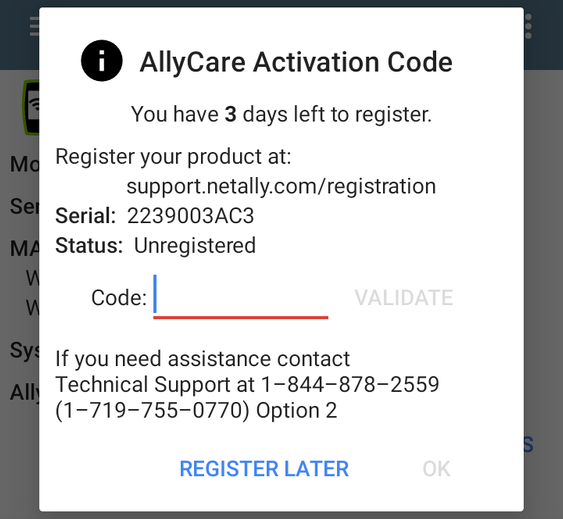
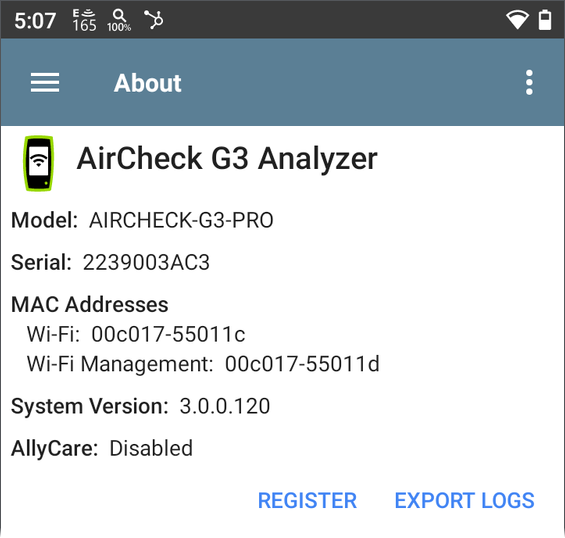
If the Activation pop-up isn't visible, open the Link-Live app and navigate to the About screen from the left-side menu. Tap the Register link.
-
Restart your tester if needed.
For any questions regarding product activation, contact NetAlly Technical Support at www.netally.com/support/technical-support.