Factory Default EZ Profiles
Your EtherScope nXG begins with a default version of the
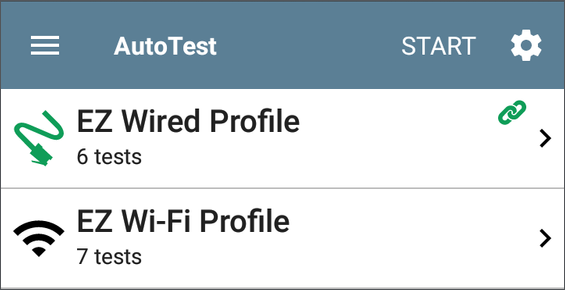
To customize an individual Profile with the required network settings, tap the settings  icon on that profile's individual test card screen, shown below.
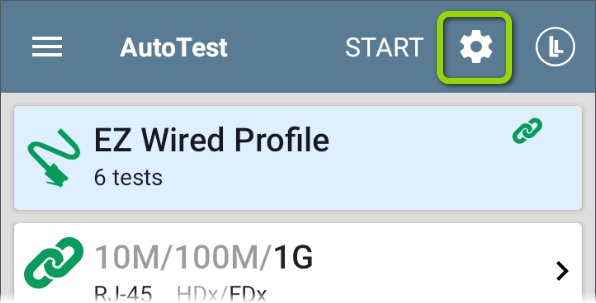
By default, the EZ Wired Profile runs automatically whenever a wired link becomes active on the top RJ-45 if no other apps are currently using the test port. See When EZ Wired Profile Connects Automatically for details.
NOTE: The default Wired Profile does not run automatically over a fiber link. You must tap START in AutoTest to run a Wired Profile on a fiber connection.
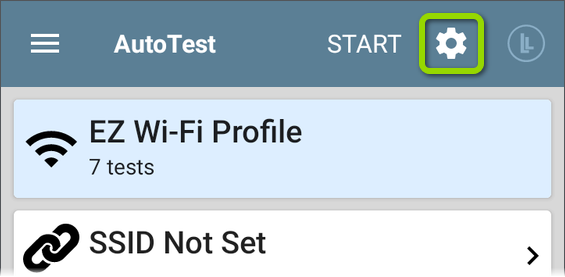
For the default EZ Wi-Fi Profile to run successfully, you must select an SSID and enter security credentials before the EtherScope can connect to a network.

See Wi-Fi Profile Connection Settings.
Related Topics
AutoTest Settings and Profile Groups