Factory Default EZ Profile
Your CyberScope Air begins with a default version of the
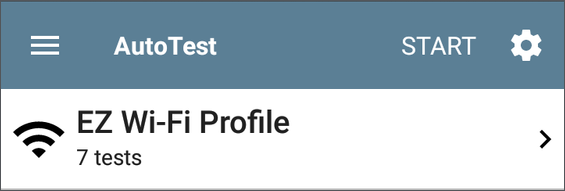
To customize an individual Profile with the required network settings, tap the settings  icon on that profile's individual test card screen, shown below.
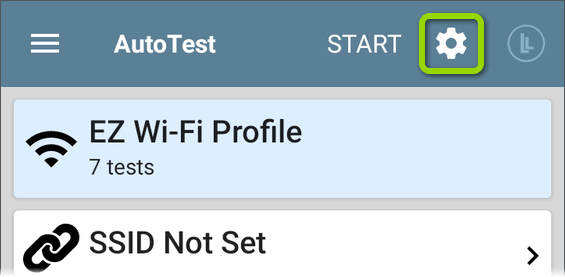
For the default EZ Wi-Fi Profile to run successfully, you must select an SSID and enter security credentials before the CS Air can connect to a network.

See Wi-Fi Profile Connection Settings.
Related Topics
AutoTest Settings and Profile Groups