APs
The APs list screen displays all the Access Points discovered operating on your wireless networks.
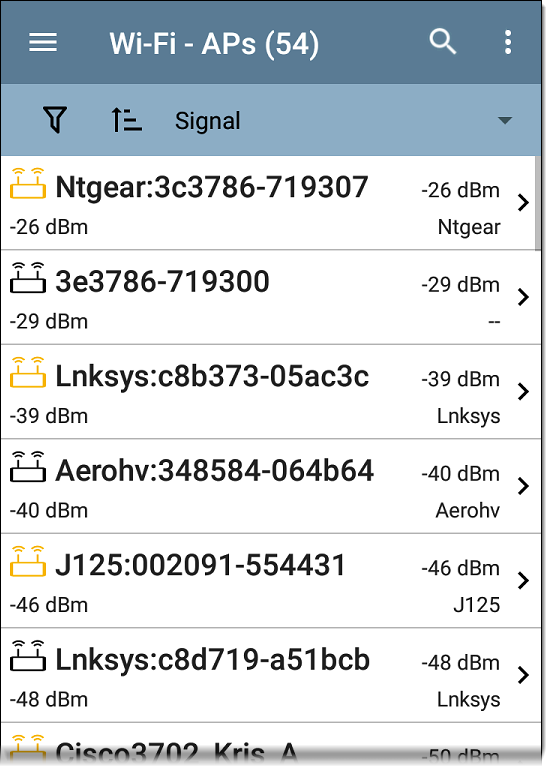
You can Filter  and Sort
  the list to determine which APs are shown and their order. Refer to the Wi-Fi App List Screens topic if needed.
By default, APs are ordered by Signal strength, and each card shows the Signal strength in dBm and the AP's manufacturer prefix.
Tap an individual AP's card to open the AP Details screen.
AP Details
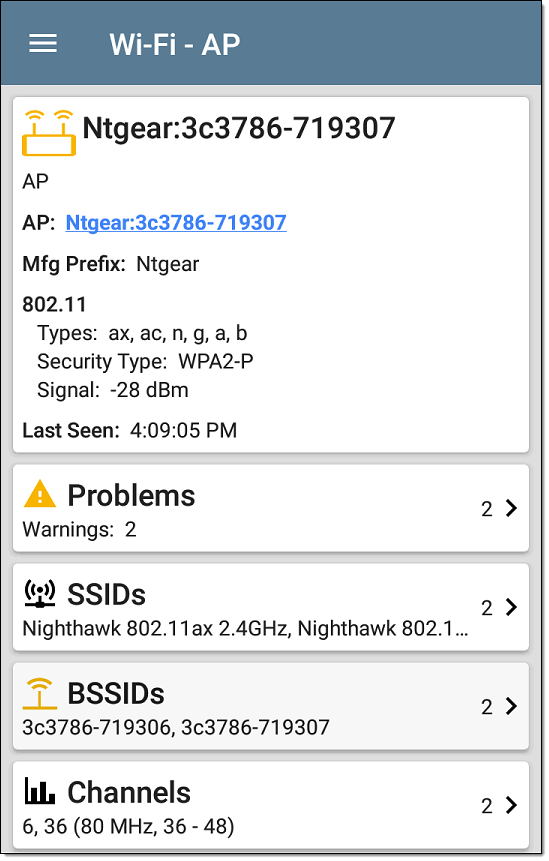
The AP Details screen shows the 802.11 Types the AP supports, the AP's Security Type, and the time the AP was last detected (Last Seen) by the CS Air.
Tap the lower cards to view the network IDs, Channels, and Clients associated with the AP.
See Wi-Fi Problems for more information about the Problems card.
AP FAB
The floating action button on the AP details screen opens the location feature to assist with locating the wireless device. When the Locate function is started from the AP details screen, the BSSID with the strongest signal is selected for location.
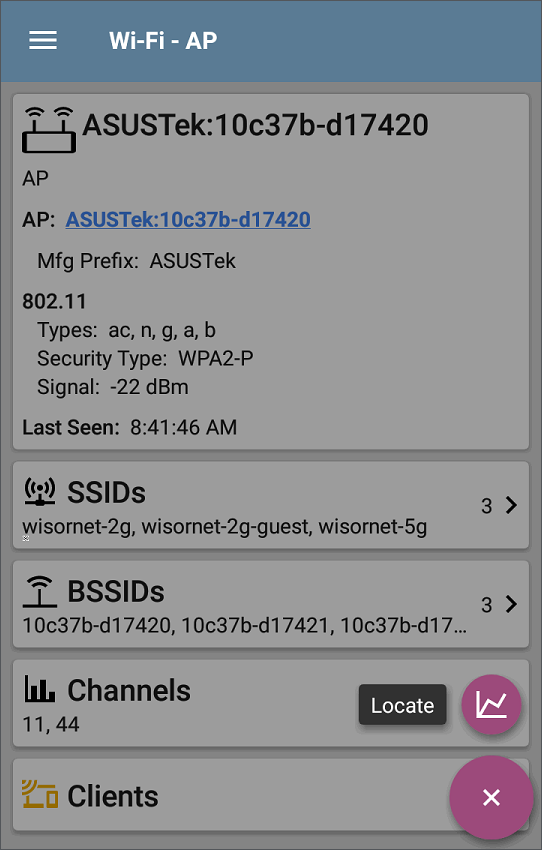
See Locating Wi-Fi Devices for details.