Interface Essentials
Several features in Link-Live work consistently across the site. Understanding these interface tools helps you find, organize, and display data in any section of Link-Live.
Overflow Menu
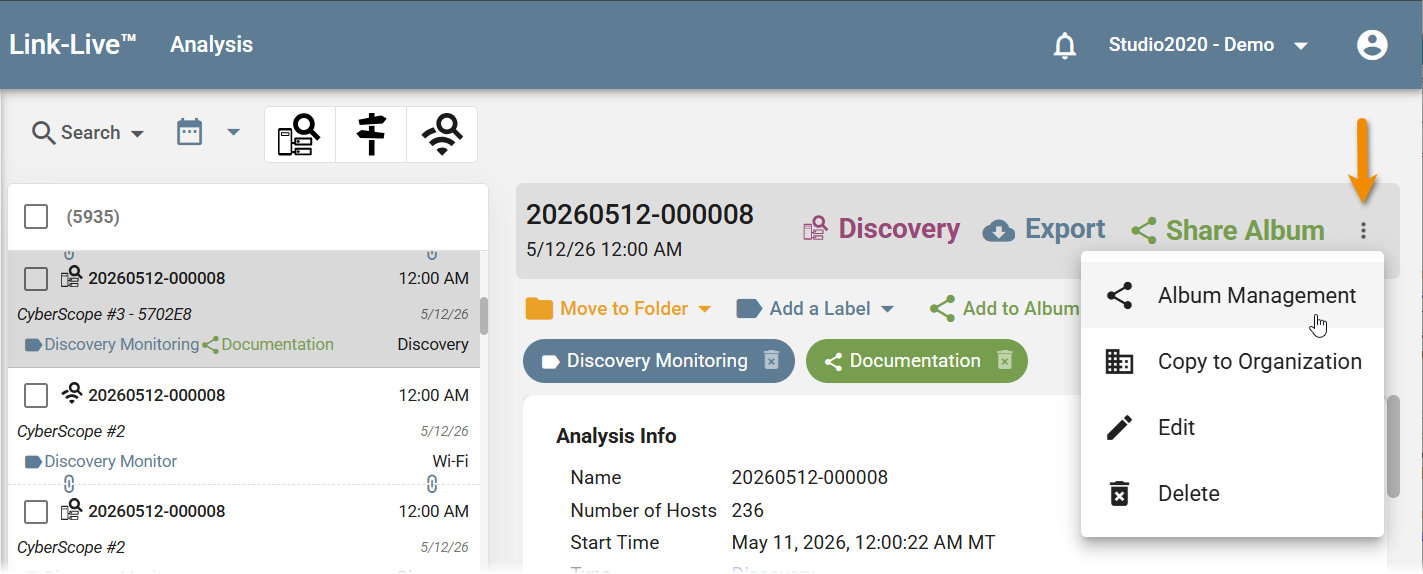
Click the overflow (⋮) button at the top right of the details panel to open a menu of additional actions for the selected item. The options show below are available in the Analysis, Results, Files, and AirMapper sections of Link-Live. Other sections may have different options in the overflow menu.
-
Album Management – Open the Album Management dialog to view and delete albums in the organization. See Labels, Folders, and Albums.
-
Copy to Organization – Copy the item to another organization. Select the destination organization from the drop-down list.
-
Edit – Edit the name or other details for the selected item.
-
Delete – Permanently delete the selected item.
In this Section
-
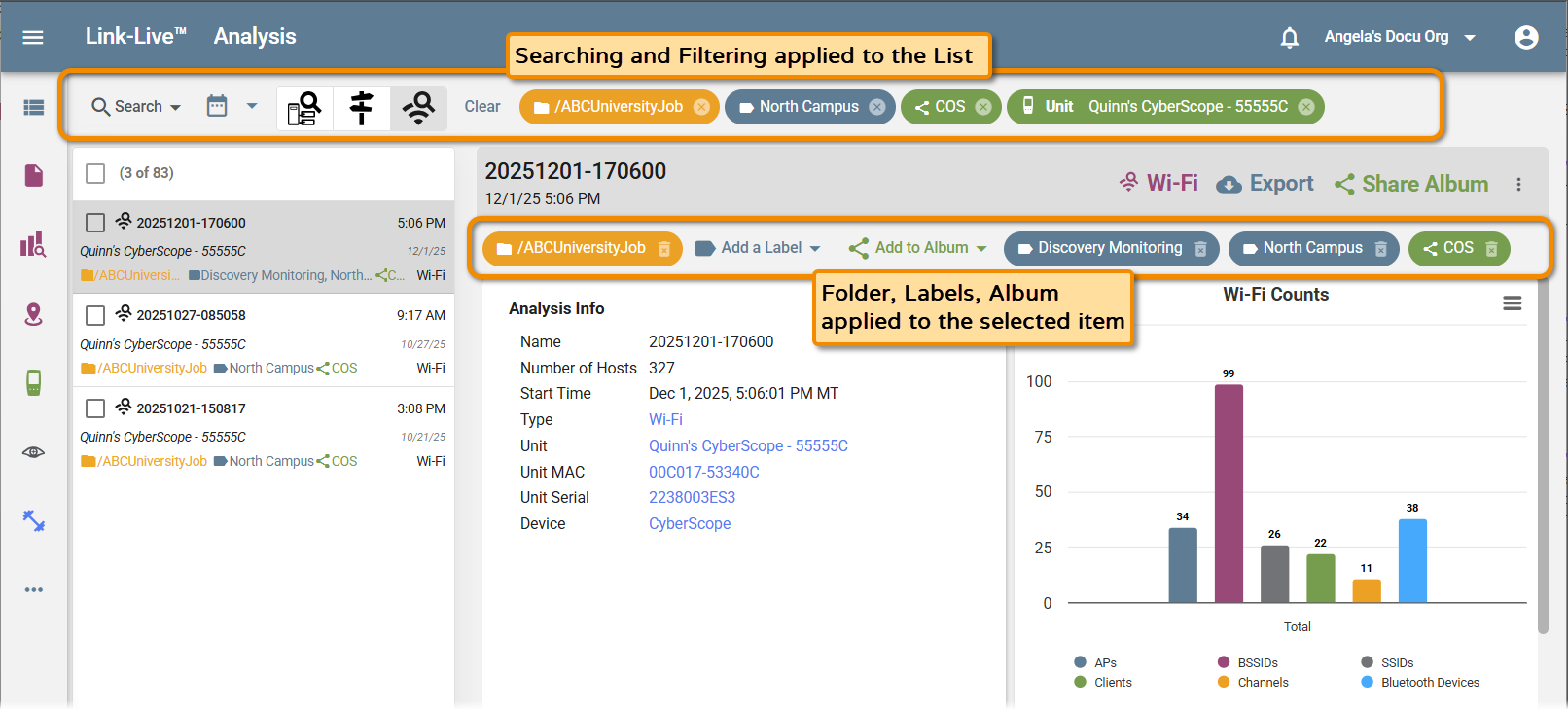
Searching and Filtering – Use the Search and Filter bar to narrow lists by date, unit, content type, or other parameters. You can also apply filters directly from hyperlinked values in the detail panel.
-
Labels, Folders, and Albums – Organize results, files, and other data using color-coded labels, folders, and shareable albums.
-
Views and Templates – Save and reuse display configurations for Analysis and AirMapper surveys, and generate reports from saved views and templates.