Adding and Configuring Profiles
To add new test profiles to the current AutoTest, tap the floating action button (FAB) on the AutoTest screen.
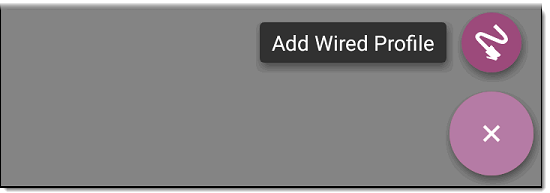
The profile's configuration screen appears. See the settings topic for your profile type:
After you configure the profile settings, tap the back button  at the bottom of the screen to open and run the new test profile.
Duplicating a Profile
To duplicate an existing profile, go to the AutoTest Settings screen, then tap the action overflow icon  next to the profile you want to copy and select Duplicate. The new copy appears in the profile list with the same settings as the original.