
To uninstall a wireless adapter driver, perform the following steps:
1. Open Device Manager, within your Windows machine
2. Expand the section labeled “Network Adapters”
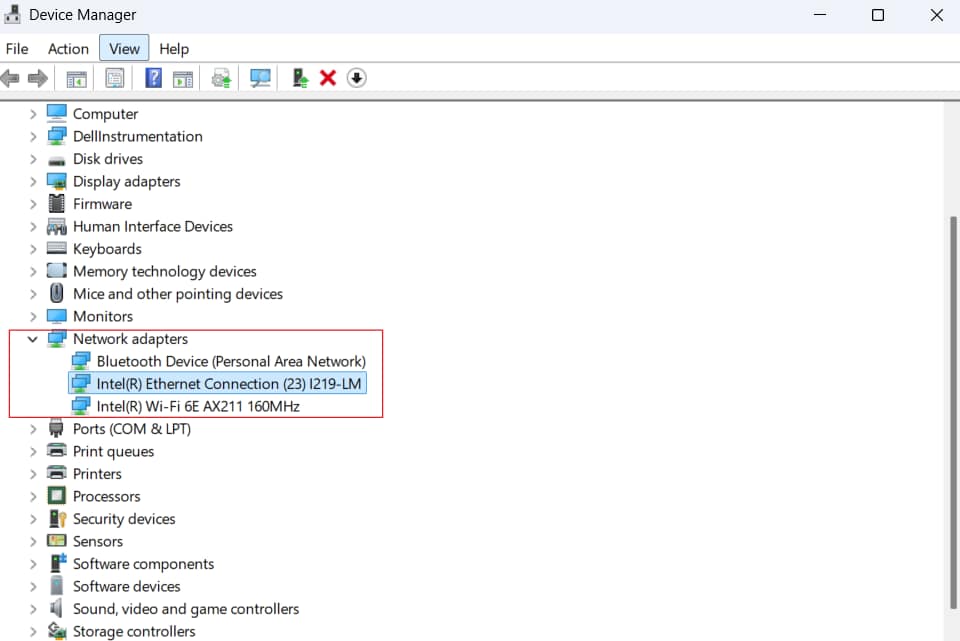
3. Right-click the adapter that has the driver you wish to uninstall
4. Select “Uninstall Device”