
The Serial Number for your product can commonly be found on the product itself or through the product’s user interface. To find your product’s Serial Number, please refer to the corresponding instructions below.
| AirCheck G3 / CyberScope / CyberScope Air / EtherScope nXG / LinkRunner 10G / LinkRunner AT-1500/3000/4000 | |
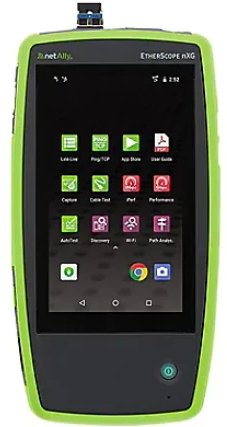 |
Product Label: The serial number is located on the upper back of the unit on a barcode. User Interface: Select Link-Live app, Menu (upper left), then About. Please note there is a secondary serial number under Android tools. This is non-applicable to registration. |
| LinkRunner AT 1000/2000 | |
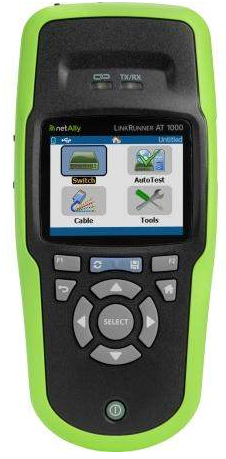 |
Product Label: The serial number is located underneath the battery on a barcode. User interface: Select Tools, scroll down to LinkRunner Information. |
| LinkRunner G2 | |
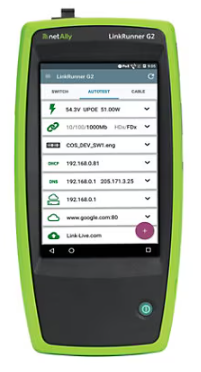 |
Product Label: The serial number is located on the back of the unit on a barcode. User interface: Select LinkRunner G2 app, Menu (upper left), then About. |
| LinkSprinter | |
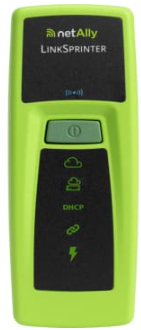 |
Product Label: The serial number sticker is underneath the battery compartment on a barcode. |
| Test Accessory | |
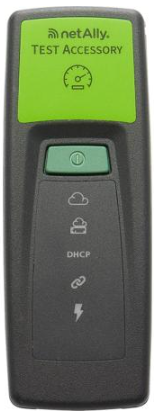 |
Product Label: The serial number sticker is underneath the battery compartment on a barcode. |
Retired Products:
| AirCheck G2 | |
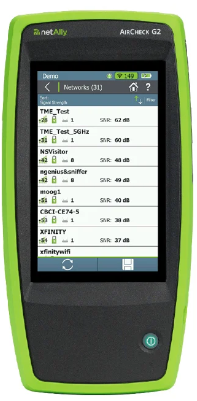 |
Product Label: The serial number is located on the back of the unit on a barcode. User interface: Select Settings, scroll down to About. |
| OneTouch AT Network Assistant | |
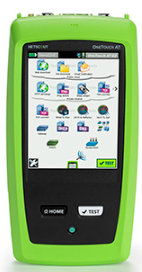 |
Product Label: Remove the module from the TFS chassis and find the label on the front of the module.User Interface: Tap Tools, scroll down to Version Information, and look immediately below Module. |