When it comes to your network, what you don’t know can most certainly hurt you. An employee trying to “improve” the office Wi-Fi with a cheap router from home, a contractor plugging in a personal laptop, or worse, a malicious actor planting a device under a desk- each one is an open door for trouble. These unauthorized guests, or “rogue devices,” bypass the security you’ve painstakingly built, exposing critical infrastructure and sensitive data to attackers.
Let’s be real: you can’t protect against what you can’t see. Manually hunting for these devices is a losing battle. The only way to win is with a complete strategy for rogue device detection. This guide will give you a straightforward, actionable framework for detecting, preventing, and dealing with rogue devices for good.
Table of Contents
- What is a Rogue Device?
- Common Rogue Devices and Their Risks
- The Business Impact of Rogue Devices
- Industry-Specific Rogue Device Threats
- How to Detect Rogue Devices on Your Network
- Rogue Device Detection: Tools and Tech Compared
- How to Prevent Rogue Devices
- Automating Detection with NetAlly Link-Live™
- Securing Your Network Against Rogue Devices
What is a Rogue Device?
A rogue device is any physical piece of hardware connected to your network – wired or wireless – without explicit permission.
The National Institute of Standards and Technology (NIST) calls it an “unauthorized node on a network.” Simple, right? The key word is unauthorized. It doesn’t matter if the device is malicious or was connected by a well-meaning employee. If you didn’t approve it, it’s rogue, and it’s a threat. The first step in any solid security posture is knowing exactly what is connected to your network at all times. Anything less is just guesswork.
Common Rogue Devices and Their Risks
Rogues come in all shapes and sizes. Some are obvious, while others are designed to be overlooked. Here are the main culprits you’ll encounter:
- Rogue Wireless Access Points (WAPs): The classic. This could be an employee-installed router creating an unsecured backdoor into your network. Or it could be a malicious “Evil Twin” AP, spoofing your corporate SSID to trick users into connecting and stealing their credentials.
- Unauthorized IoT/OT Devices: The number of these devices is exploding, and most aren’t built with security in mind. Think of an engineer bringing in a personal smart speaker, or someone setting up a cheap, unsecured IP camera to watch their desk. Each one is a potential pivot point for an attacker.
- Rogue Clients (Laptops, Phones, etc.): A visitor connecting their personal laptop to an open Ethernet port in a conference room, or an employee connecting a compromised personal phone to the corporate Wi-Fi. These devices aren’t managed by IT and could be crawling with malware.
- Unauthorized Network Infrastructure: It happens more than you think. A small, unmanaged switch tucked under a desk to connect more devices can create network loops or provide an easy entry point for other rogue hardware.
The Business Impact of Rogue Devices
A rogue device isn’t just a technical headache; it’s a direct threat to the business. The consequences can be severe:

- Massive Security Gaps: Rogue devices haven’t been vetted, patched, or configured to your security standards. They are, by definition, a gaping hole in your defenses, allowing attackers to bypass firewalls and other security controls.
- Data Breaches and Theft: Once connected, a rogue device can be used to eavesdrop on network traffic, launch man-in-the-middle attacks, or exfiltrate sensitive corporate and customer data.
- Malware and Ransomware Infections: A compromised rogue device is the perfect delivery vehicle for ransomware or other malware, potentially crippling your entire organization.
- Compliance Violations: For industries governed by regulations like HIPAA or PCI-DSS, an unauthorized device accessing sensitive data can lead to catastrophic compliance failures, resulting in hefty fines and reputational damage.
- Network Performance Degradation: At a minimum, these devices consume bandwidth and IP addresses, leading to poor performance and connectivity issues for legitimate users.
Industry-Specific Rogue Device Threats
The threat of a rogue device isn’t theoretical. Here’s how it plays out in the real world, with devastating consequences.
- Healthcare (HIPAA): An employee inserts a malicious USB drive into a PC that contains patient records. The result: Security controls are bypassed, leading to unauthorized disclosure of patient data, a direct violation of HIPAA or EHDS regulations. This means substantial fines and a complete erosion of patient trust.
- Retail (PCI-DSS): A hacker secretly connects a rogue Wi-Fi AP within a store. It launches a man-in-the-middle attack. The result: A major data breach as the hacker captures sensitive cardholder information. This is a clear violation of PCI-DSS Requirement 11.1, leading to significant fines and a loss of customer loyalty that can tank a business.
- Education (FERPA): A student connects a personal mobile hotspot to the campus network, creating an unmonitored entry point. The result: An attacker connects to the hotspot and introduces malware that exposes sensitive student data, violating FERPA or GDPR and putting students’ data at risk of exposure.
- Financial Services: An attacker installs a rogue device, like a corrupted USB mouse, at a branch location. The result: The device executes malicious code, creating an undetected Advanced Persistent Threat (APT) in the network. This can lead to material financial loss, theft of sensitive client data, and a devastating blow to the institution’s reputation.
- Government: A malicious insider inserts a compromised hardware device, like a hacked network tap, into a secure facility. The result: A permanent backdoor is created, enabling a nation-state adversary to perform long-term espionage, exfiltrate classified data, and potentially disrupt critical national infrastructure.
Pro Tip:
Don’t just focus on Wi-Fi. The most overlooked rogues are often wired. An Ethernet port in a conference room, lobby, or empty office is a wide-open invitation. Use a tool like the LinkRunner® AT 4000 to quickly check these ports. If it connects and gets an IP, that port is live and a potential entry point.
How to Detect Rogue Devices on Your Network
A multi-layered defense is the only effective approach to rogue device detection. Here’s how to tackle it:
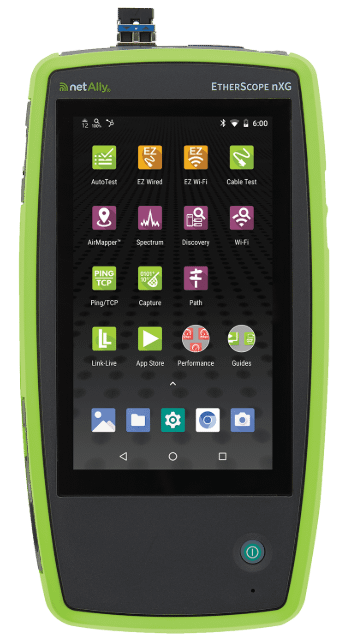
- Scan Your Wired Network: The core of any effective rogue system detection is actively scanning your wired infrastructure. This involves running ARP sweeps and checking switch MAC tables to identify every physically connected device. The Discovery App on a tool like the EtherScope® nXG, CyberScope®, LinkRunner® 10G, or LinkRunner® AT 4000 automates this process.
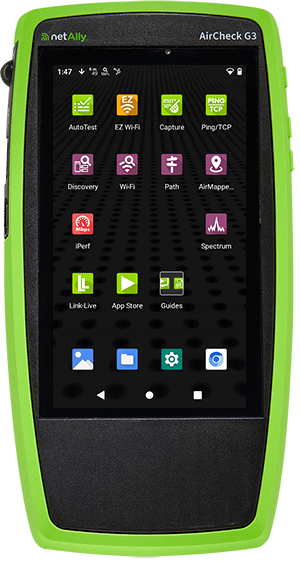
- Hunt for Wireless Rogues: Effective rogue access point detection requires scanning the airwaves for all APs and clients to identify any device not managed by your infrastructure. While a purpose-built tool like the AirCheck® G3 Pro is perfect for this, the powerful wireless discovery features in the EtherScope® nXG and CyberScope® are also excellent for hunting down unauthorized broadcasters.
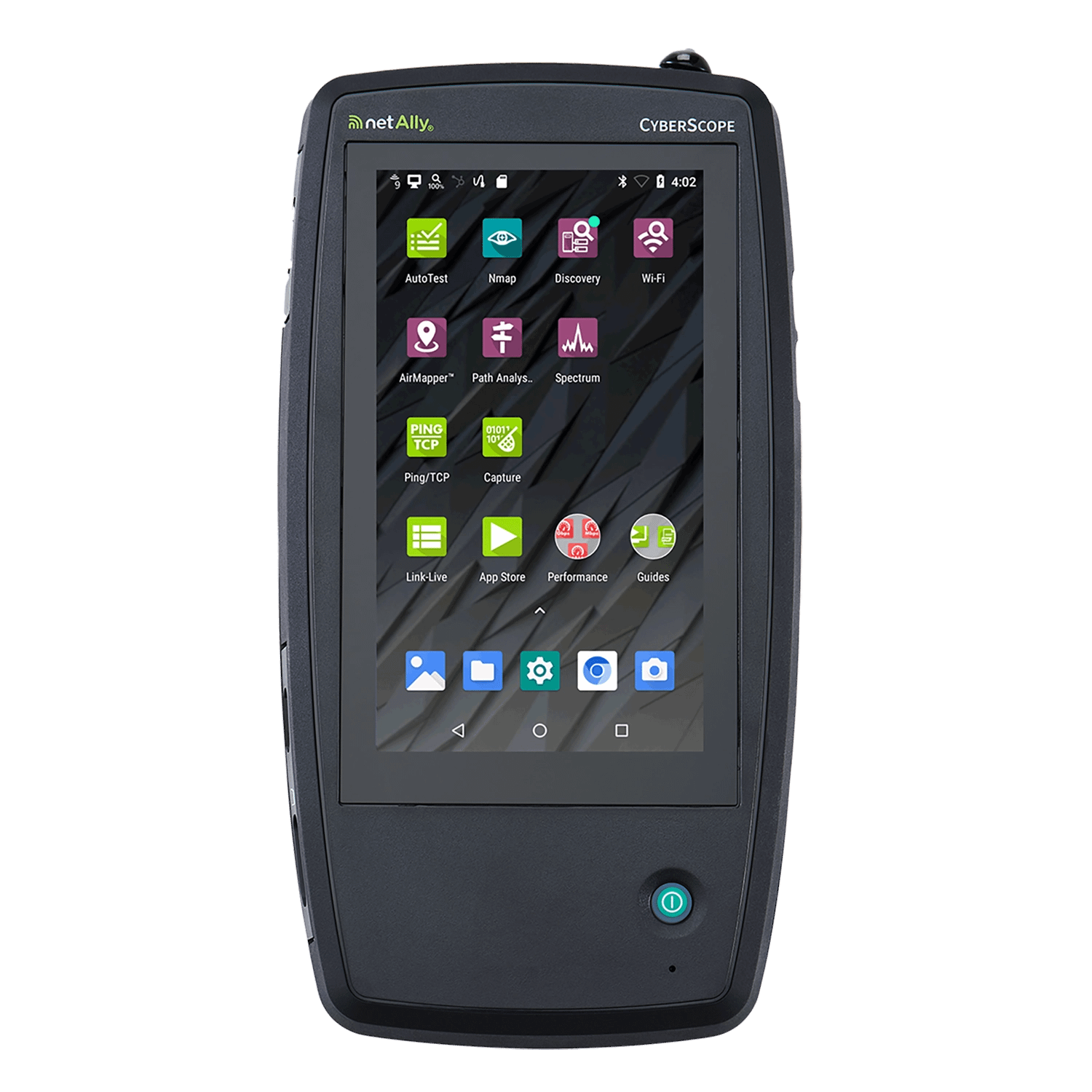
- Establish a Network Baseline: You can’t find what’s new if you don’t know what’s old. The most critical step is performing a complete network device discovery to create an authoritative inventory of all authorized devices. For instance, a full discovery with a CyberScope® uploaded to Link-Live™ creates this essential source of truth.
- Automate Continuous Monitoring: With a baseline in place, the final step is to automate continuous scans that compare against it and immediately alert you to any deviations. This form of automated cybersecurity monitoring ensures you can flag any changes from your baseline. You can schedule a CyberScope® to run these scans automatically, and Link-Live™ will handle the comparison.
Rogue Device Detection: Tools and Tech Compared
You have several tools at your disposal, each with its own strengths and weaknesses.
| Technology | How It Works | Pros | Cons |
| Network Access Control (NAC) | Acts as a gatekeeper, requiring authentication before granting network access. | Prevents unauthorized connections from the start. | Can be complex and expensive to implement and manage. |
| WIDS/WIPS | Dedicated sensors that monitor the airwaves for wireless threats, including rogue APs. | Excellent for wireless-specific threat detection. | Blind to wired rogues; can be a costly overlay network. |
| SIEM / Monitoring Software | Aggregates logs and data from across the network to look for anomalies. | Provides a centralized view of security events. | Can be “noisy” and generate false positives; only as good as the data it receives. |
| Handheld Analyzers | Portable tools that provide on-the-ground, real-time discovery of wired and wireless devices. | The ultimate source of truth. Finds things others miss and can physically locate the rogue. | Traditionally requires a tech on-site (a problem NetAlly solves). |
How to Prevent Rogue Devices
Detection is crucial, but prevention is the end goal. Here are actionable steps you can take:
- Lock Down Your Ports: Implement port security on your switches. Disable any unused ports and use 802.1X authentication to ensure only authorized devices can connect to active ports.
- Use Enterprise-Grade Wi-Fi Security: Deploy WPA3-Enterprise with a RADIUS server for authentication. This ensures that only users with valid credentials can connect to your corporate Wi-Fi.
- Segment Your Network: Use VLANs to segment your network. Isolate guest traffic from your internal corporate network. Segment sensitive systems, like those handling financial data or patient records, into their own secure zones.
- Develop and Enforce Clear Policies: Create a formal security policy that explicitly defines what devices are allowed on the network and the process for approval. Make sure users are aware of the policy and the risks of connecting unauthorized devices.
Automating Detection with NetAlly Link-Live™
This is where it all comes together. Manually performing these checks is time-consuming and prone to error. NetAlly’s CyberScope® and Link-Live™ platform automate the entire process, giving you a powerful, “inside-the-edge” view that strengthens your security posture.
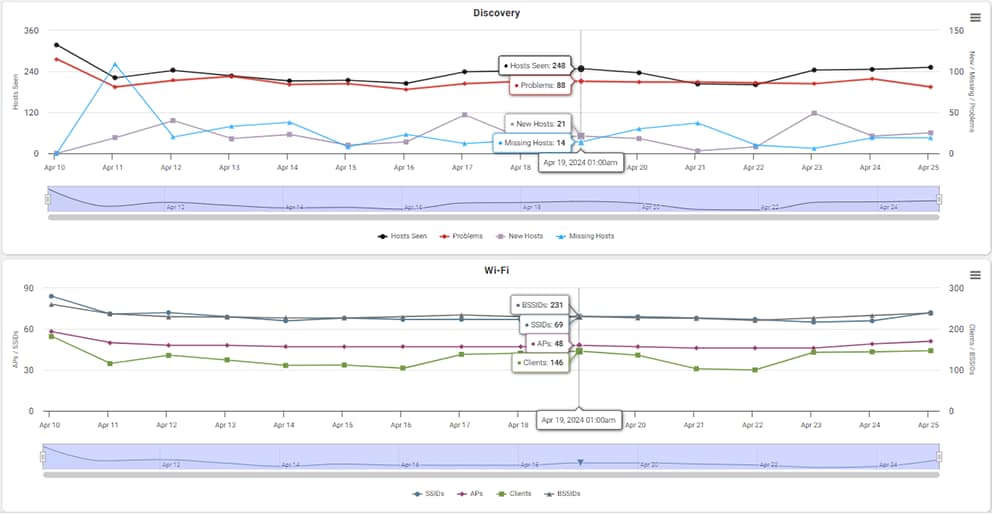
The workflow is a breeze:
Step 1: Use the CyberScope® to perform a comprehensive discovery of your wired and wireless edge network.
Step 2: Automatically upload the discovery data to the secure, cloud-based Link-Live™ platform to generate a network baseline.
Step 3: Schedule ongoing, automated discovery uploads (as frequently as you need). Link-Live continuously compares new snapshots to your baseline, instantly highlighting any changes.
Step 4: The Link-Live Discovery Table provides a color-coded view of what’s new, what’s missing, and what’s changed. Powerful sorting and filtering make it simple to pinpoint a suspicious device in seconds.
This automated baselining and network security monitoring closes visibility gaps and reduces the time it takes to detect a rogue device from days or weeks to mere minutes.
Securing Your Network Against Rogue Devices
Rogue devices are one of the most common and dangerous threats to network security. They are the digital equivalent of leaving your front door unlocked. Relying on manual checks or incomplete data is a recipe for disaster. This strategy of visibility and automation is the foundation of modern edge network security.
The only way to effectively protect your network is with a strategy built on complete visibility, automated baselining, and continuous monitoring. When you know exactly what’s on your network and get alerted the moment something changes, you can take action before a minor issue becomes a major breach.
To get the visibility you need to find and fight rogue devices, check out these battle-tested tools from NetAlly:
- CyberScope®: The ultimate handheld tool for comprehensive discovery and network vulnerability scanning.
- EtherScope® nXG: An all-in-one network analyzer for validating and troubleshooting both wired and wireless networks, with powerful discovery and analysis features.
- AirCheck® G3 Pro: A purpose-built handheld tool for Wi-Fi validation and troubleshooting, perfect for hunting down rogue wireless devices.
- LinkRunner® Family: An advanced handheld tool for validating and troubleshooting the wired network, essential for identifying unauthorized devices on any port.